
What You Can Do

Upload a recording. Noumi transcribes it, identifies speakers, extracts key decisions, and produces a structured summary.
Noumi converts between formats — PDF to Word, text to HTML, spreadsheet to report — while preserving content and layout.
Point Noumi at any topic. It searches the web, reads your files, and delivers a structured synthesis with sources.
Generate reports, articles, and proposals in your established tone, following your templates and style rules.
Describe what you need to track — bugs, candidates, sprint tasks — and Noumi builds it. No code, no configuration.
Noumi proposes a directory structure matched to your project and reorganizes everything in one step after confirmation.
Upload data files. Noumi reads the structure and produces summaries, answers questions, or reformatted outputs.
Upload your templates and rules once. Noumi converts them into skills applied automatically to every future task.
How It Works
001

Type your task in plain language. Add context, files, and preferences directly.
"Write a Q2 SaaS market analysis. Use this file for context. Save it in the Q2 folder."
002

Noumi confirms your intent, then searches, reads, generates, and saves while you focus elsewhere.
Noumi's to do list
1. Search web: Q2 SaaS market reports (2025)
2. Read and cross-reference context file
3. Draft executive summary + analysis sections
4. Save as "Q2-SaaS-Report.md" → /Q2 folder
003
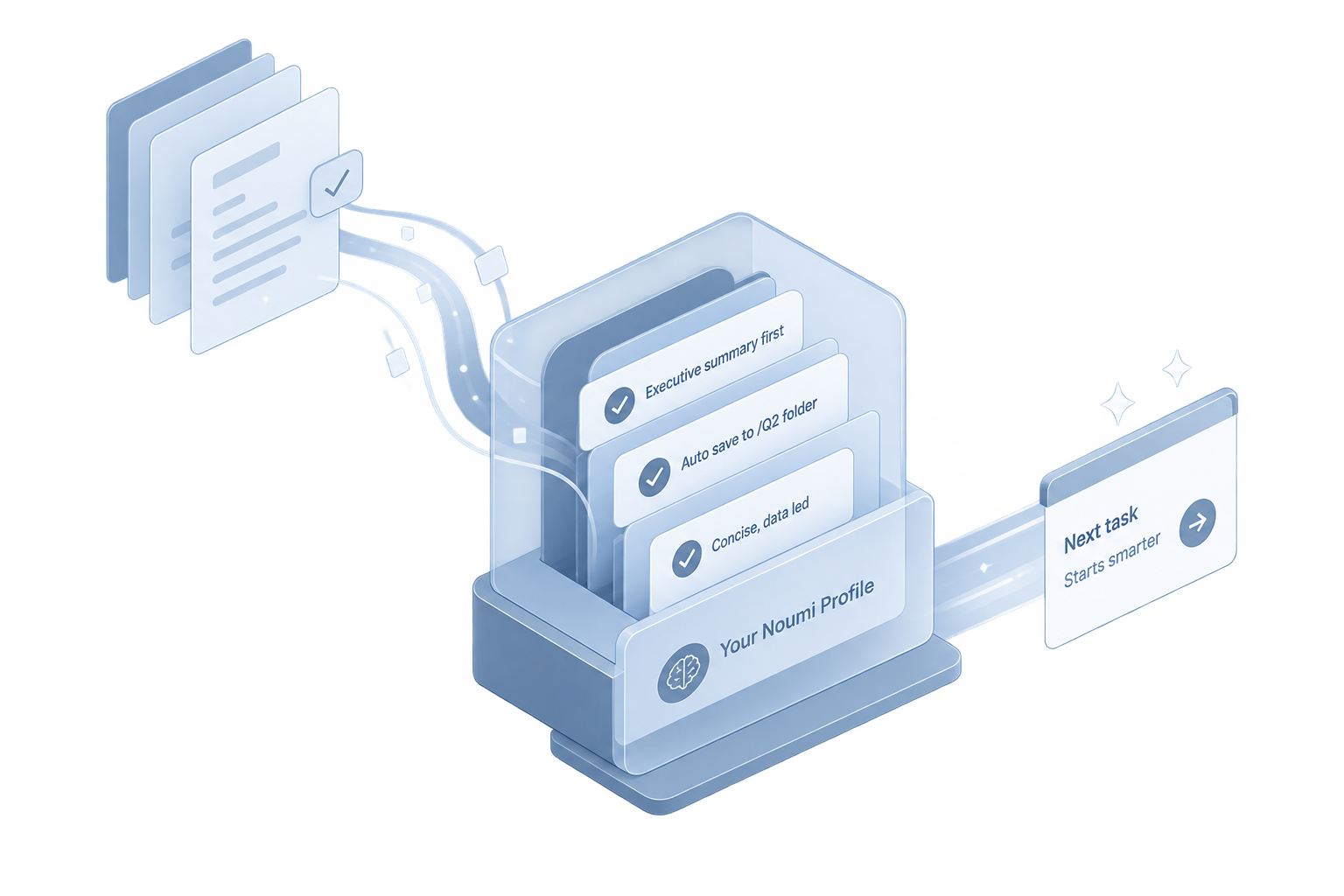
Noumi remembers your corrections, what worked, and your preferences, so it already knows how you work next time.
Captured from this task
✓ Always lead reports with executive summary
✓ Save output to /Q2 folder automatically
✓ Preferred tone: concise, data-led
FAQ
Most AI assistants start fresh with every new conversation. Noumi maintains persistent memory across sessions — it knows your projects, preferences, and working rules without you re-explaining them. It also executes multi-step tasks autonomously and accumulates your work patterns into reusable skills over time, so it gets meaningfully better the more you use it.
Noumi handles documents (Word, PDF), spreadsheets (Excel, CSV), images (PNG, JPG), and audio files (MP3, WAV, M4A). Files can be uploaded directly to a project workspace, and Noumi processes them as part of any task — no separate import step required.
When you correct an output, set a rule, or describe a preference, Noumi saves it as a memory entry tied to your project or your global profile. On future tasks, those entries are loaded automatically and shape how Noumi works. You can review, edit, or delete any entry at any time through the Evolution Report.
Yes. Workspace owners can invite collaborators on a per-project basis. Collaborators can access files, open new work threads, and contribute to the project — but cannot see each other's private conversations. File changes sync in real time across everyone in the project.
The Agent Training Ground is where you proactively build project-level skills. Upload style guides, report templates, evaluation criteria, or any reference material — Noumi reads them and converts them into structured skill entries it applies automatically to every relevant task in that project.
No manual configuration required. After registration, Noumi guides you through a short onboarding: upload your résumé or LinkedIn profile, and it recommends a matched set of professional skills to install. You can be up and running in under five minutes.



