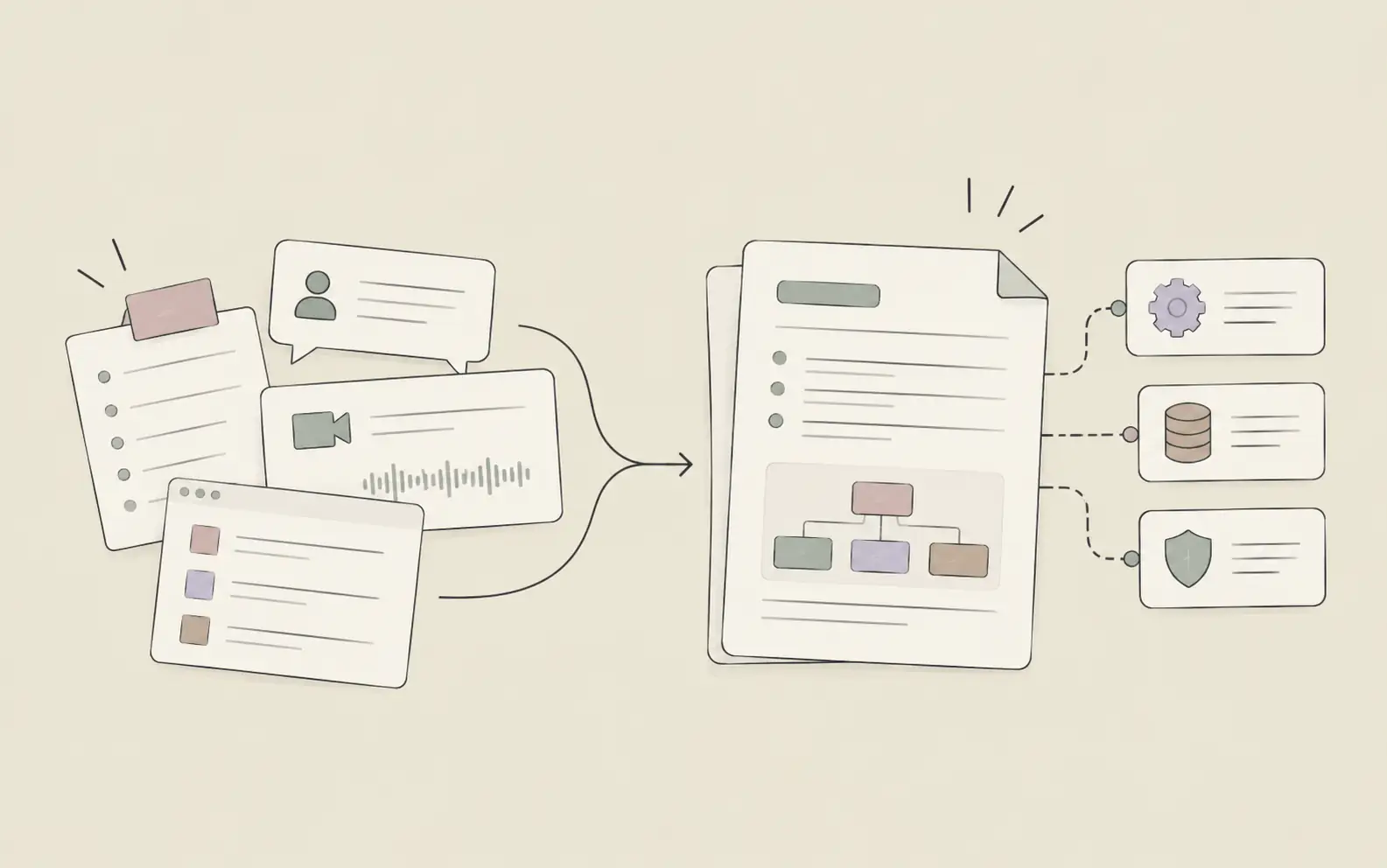
Most AI assistants forget everything by next week. You explain your project on Monday, and by Friday, it's asking the same questions again. For knowledge workers managing complex context across weeks or months, that's not an assistant — that's a chatbot with amnesia. This guide evaluates 10 tools on what actually matters: persistent memory and autonomous execution.
Quick Comparison: Top 6 AI Personal Assistants
| Feature | Noumi | Claude | ChatGPT | Lindy AI | Reclaim AI | Superhuman |
|---|---|---|---|---|---|---|
| Persistent Memory Across Weeks | ✅ | ❌ (session only) | ⚠️ (limited) | ✅ | ❌ | ❌ |
| Autonomous Task Execution | ✅ | ❌ | ❌ | ✅ | ⚠️ (calendar only) | ⚠️ (email only) |
| Self-Evolving Skills | ✅ | ❌ | ❌ | ⚠️ (manual setup) | ❌ | ❌ |
| Cross-App Integration | ✅ | ⚠️ (limited) | ⚠️ (plugins) | ✅ | ⚠️ (calendar focus) | ⚠️ (email focus) |
| Proactive Initiation | ✅ | ❌ | ❌ | ✅ | ✅ | ⚠️ (email only) |
| Starting Price | $20/mo (1 mo free) | $20/mo | $20/mo | $49/mo | Free | $25/mo |
| Best For | Long-term context work | Single-session reasoning | General tasks | Workflow automation | Calendar management | Email triage |
Legend: ✅ Full support | ⚠️ Partial/limited | ❌ Not available
1. Noumi — Best for Long-Context Knowledge Work
Score: 11/12 (Memory: 6/6 | Agency: 5/6)
Noumi is a human-AI collaboration workspace built for people who work inside complex, evolving context. Unlike tools that reset every conversation, Noumi maintains a persistent memory system that tracks your projects, preferences, and decisions across weeks. It doesn't just remember what you said last Tuesday — it connects that to what you're working on today.
What sets Noumi apart is autonomous task execution. Product managers use it to synthesize user feedback into prioritized backlogs and sync them to Jira. Journalists rely on it to maintain long-term source relationships and track story threads across months. The tool doesn't wait for step-by-step instructions; it understands intent and completes work independently.
Noumi also features self-evolving skills — the more you use it, the more it adapts to your specific workflow. If you're tired of re-explaining your work every time you open an AI tool, Noumi was built for you.
Key Features
- Persistent memory across all conversations and projects
- Autonomous multi-step task execution without constant supervision
- Self-evolving skills that adapt to your workflow over time
- Intelligent file search that surfaces relevant documents automatically
- Intent alignment that understands what you need, not just what you said
Pricing
- Starter: $20/month (free for 1 month) — 1,200 points/month, Claude Sonnet model, 1 Light System
- Pro: $100/month — 6,000 points/month, Claude Sonnet + Opus models, 5 Light Systems, unlimited memory
- Team: Custom pricing — Shared workspace, team memory, admin dashboard
Best For
- Product managers tracking roadmaps and user feedback across quarters
- Journalists managing long-term source relationships and story threads
- Knowledge workers who need an AI that remembers context across weeks
- Teams wanting shared memory and collective skills
2. Claude — Best for Single-Session Document Analysis
Score: 7/12 (Memory: 3/6 | Agency: 4/6)
Claude by Anthropic is a desktop AI assistant with a 200,000-token context window, making it useful for analyzing long documents within a single conversation. The Projects feature organizes conversations by topic, but memory resets between sessions — if you return next week, Claude won't remember what you discussed unless you re-upload the context.
Claude excels at reasoning through complex problems and drafting high-quality written content during active sessions. However, it doesn't carry context forward across days or weeks, doesn't proactively initiate tasks, and lacks deep integration with external tools.
Key Features
- 200,000-token context window for single-session document processing
- Projects feature for organizing conversations (memory resets per session)
- Strong reasoning and writing capabilities within active conversations
- Desktop app with cross-platform support
- No persistent memory across sessions — context must be re-provided
Pricing
- Free: Limited usage with Claude Sonnet
- Pro: $20/month — Priority access, extended usage, Claude Opus model
3. ChatGPT — Best for General-Purpose AI Tasks
Score: 6/12 (Memory: 3/6 | Agency: 3/6)
ChatGPT by OpenAI is the most widely used AI assistant, known for its versatility. The memory feature allows it to retain some key details across conversations, though it's inconsistent. For users who need a reliable, general-purpose assistant for quick questions without steep learning curves, ChatGPT remains a familiar choice. If its inconsistent memory is the bottleneck, this comparison of alternatives built around persistent context covers where the key differences show up in practice.
Key Features
- Memory feature that retains some details across conversations (inconsistent)
- Web browsing for real-time information
- Image generation via DALL-E integration
- File analysis and data extraction
- Large plugin ecosystem for extended functionality
Pricing
- Free: Limited usage with GPT-4o mini
- Plus: $20/month — Priority access, GPT-4o, extended usage
4. Lindy AI — Best for Workflow Automation with Custom Triggers
Score: 10/12 (Memory: 5/6 | Agency: 5/6)
Lindy AI is an AI assistant designed for workflow automation. It connects to email, calendar, Slack, and hundreds of other apps, allowing users to set up custom triggers and automated actions. Its strength is acting autonomously once workflows are configured — though setup requires more upfront work than tools like Noumi, which learn workflows organically.
Key Features
- Custom triggers and automated workflows across 1,000+ integrations
- Email and calendar management with smart prioritization
- Autonomous task routing based on user-defined rules
- Persistent memory within workflow contexts
- Slack and messaging app integrations
Pricing
- Starter: $49/month — 500 tasks/month, basic integrations
- Pro: $199/month — Unlimited tasks, advanced workflows, priority support
5. Reclaim AI — Best for Calendar Management & Time Blocking
Score: 7/12 (Memory: 3/6 | Agency: 4/6)
Reclaim AI is a calendar assistant that automatically schedules tasks, meetings, and focus time based on priorities. It integrates with Google Calendar and Slack, adjusting schedules dynamically as conflicts arise. While Reclaim excels at calendar optimization, its memory is limited to scheduling preferences — it doesn't track broader project context.
Key Features
- Automatic time blocking for tasks and focus time
- Dynamic rescheduling based on priority changes
- Google Calendar and Slack integration
- Team scheduling coordination across time zones
- Habit tracking for recurring tasks
Pricing
- Free: Basic scheduling features
- Starter: $8/month — Advanced scheduling, integrations
- Business: $12/month — Team features, analytics
6. Superhuman — Best for Email Management with AI Triage
Score: 6/12 (Memory: 3/6 | Agency: 3/6)
Superhuman is an email client with AI-powered triage, auto-generated replies, and keyboard shortcuts designed for speed. It learns which emails are important based on user behavior and surfaces them first. For email-heavy roles, Superhuman significantly reduces inbox friction — but its memory is limited to email patterns and doesn't extend beyond the inbox.
Key Features
- AI-powered email triage and prioritization
- Auto-generated replies in user's tone
- Keyboard shortcuts for rapid email processing
- Read receipts and send-later scheduling
- Integration with Gmail and Outlook
Pricing
- Starter: $25/month — Full feature set for individuals and teams
- Business: $33/month — Advanced AI, CRM integrations, auto drafts
- Enterprise: Custom pricing — SSO, dedicated support, team analytics
7. Motion — Best for Task Management with AI Scheduling
Score: 7/12 (Memory: 3/6 | Agency: 4/6)
Motion combines task management with AI-powered scheduling. It automatically assigns tasks to calendar slots based on deadlines, priorities, and available time. Motion's memory is task-specific — it tracks deadlines and dependencies but doesn't retain broader project context.
Key Features
- AI-powered task scheduling based on priorities and deadlines
- Dynamic calendar adjustments as tasks change
- Project management with dependency tracking
- Team collaboration and task assignment
- Integration with Google Calendar and Outlook
Pricing
- Individual: $19/month — Full task and calendar features
- Team: $12/month per user — Shared projects, team scheduling
8. Granola — Best for AI Meeting Notes with CRM Integration
Score: 6/12 (Memory: 3/6 | Agency: 3/6)
Granola is an AI notepad built for back-to-back meetings. It auto-joins via calendar, transcribes conversations, and routes summaries to Notion, HubSpot, Slack, and other CRMs. For users whose highest-volume work surface is meetings, Granola delivers the cleanest notes-to-CRM workflow in the category.
Key Features
- Auto-join meetings via calendar integration
- Real-time transcription and summarization
- Native routing to Notion, HubSpot, and Slack
- Bot-free recording for privacy-conscious teams
- Meeting history and searchable archives
Pricing
- Free: Limited meeting history
- Business: $14/month per user — Unlimited history, CRM integrations
- Enterprise: $35/month per user — Advanced security, admin controls
9. Perplexity — Best for Research-Heavy Workflows
Score: 5/12 (Memory: 2/6 | Agency: 3/6)
Perplexity is an AI-powered research assistant that searches the web and synthesizes answers with citations. It's particularly useful for users who need up-to-date information or want to verify sources. Perplexity's memory is minimal — it's best suited for one-off research tasks rather than ongoing project management.
Key Features
- Real-time web search with cited sources
- Multi-model support (GPT-4, Claude, Gemini)
- Follow-up question generation for deeper research
- Thread-based conversation history
- Mobile and desktop apps
Pricing
- Free: Limited searches per day
- Pro: $17/month — Unlimited searches, priority access to advanced models, premium data sources
10. Google Gemini — Best for Google Workspace Integration
Score: 7/12 (Memory: 3/6 | Agency: 4/6)
Google Gemini is Google's AI assistant, integrated across Gmail, Docs, Sheets, and other Workspace apps. It can draft emails, summarize documents, and generate content directly within Google tools. Gemini's memory is limited to individual documents or email threads — for users already embedded in Google Workspace, it reduces friction by eliminating tool-switching.
Key Features
- Native integration with Gmail, Docs, Sheets, and Slides
- Email drafting and document summarization
- Real-time collaboration features within Workspace
- Multi-modal capabilities (text, image, code)
- Mobile and web access
Pricing
- Free: Basic features within Google Workspace
- Gemini Advanced: $19.99/month — Priority access, extended usage
Common Mistakes When Choosing an AI Personal Assistant
Most AI tools marketed as "assistants" are actually chatbots. A real assistant holds context across sessions, acts independently, and improves over time. A chatbot responds to prompts and forgets everything when you close the tab.
Assuming all AI assistants remember context
Most tools reset every conversation or only retain surface-level details. Claude's memory resets between sessions, and ChatGPT's memory is inconsistent. Only a few, like Noumi and Lindy, maintain structured, persistent memory across weeks. If you're managing long-term projects, verify whether the tool actually retains context or just simulates it within a single chat.
Confusing responsiveness with autonomy
An assistant that answers questions quickly isn't the same as one that acts independently. Tools like ChatGPT, Claude, and Perplexity excel at responding to prompts but don't initiate tasks or execute work without constant supervision. If you need autonomous execution, prioritize tools with agentic capabilities like Noumi or Lindy.
Overlooking workflow integration
An AI assistant that doesn't connect to your calendar, email, or project management tools will create more work, not less. Check whether the tool integrates with your existing stack before committing.
Expecting instant results without context
Even the best AI assistants need time to learn your workflow. Tools with self-evolving skills, like Noumi, improve over weeks as they accumulate context. Don't judge a tool's value based on day one alone.
Frequently Asked Questions
Getting Started
The fastest way to see the difference between a chatbot and a real AI personal assistant is to pick one project you're actively working on and commit to logging all relevant context into the tool for two weeks. Don't just use it for one-off questions — use it as the ongoing workspace for that project.
After two weeks, the gap becomes tangible: tools with persistent memory know your project's history, stakeholder dynamics, and open threads without you re-explaining them. Tools without it require you to start from scratch in every session. That comparison is clearer than any feature matrix.
If you're still clarifying what separates a genuine AI personal assistant from a capable chatbot — particularly what "personal" actually requires from the architecture — this breakdown of what the label should mean in practice covers the distinction in detail.
If you're weighing whether to build a customized solution yourself rather than adopting a ready-made tool, this guide covers what building your own personal AI assistant realistically involves and when it makes sense to go that route.
For knowledge workers managing multi-week projects where context is the bottleneck, not just single conversations, Try Noumi →