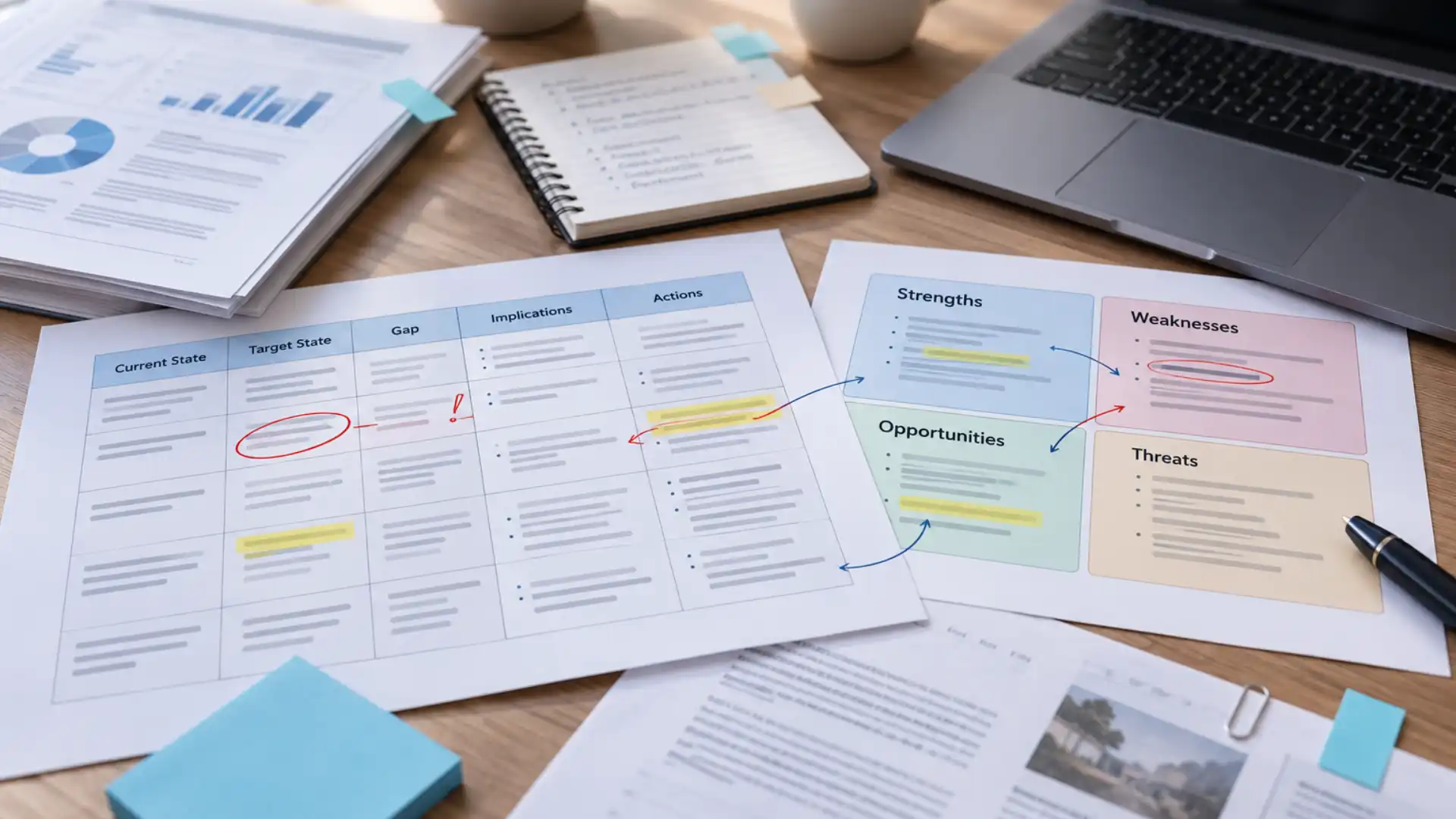

A five-person team buys one AI subscription, shares the password, and calls it collaboration. Six weeks later, the product manager's chat history has the roadmap context, the designer's has the brand guidelines, and neither can see what the other one built. They're using the same tool. They are not sharing a workspace — they're running five separate ones that happen to log in with the same credentials.
That gap is the whole story behind the term "shared AI workspace," and it's worth defining precisely because most teams evaluating these tools assume the two things are the same. They are not. A shared AI workspace, done properly, means the context — the files, the decisions, the accumulated project history — lives at the team or Project level and is available to whoever has permission to see it, not locked inside one person's individual session. This piece walks through what actually separates a shared login from a shared workspace, why the difference shows up the moment a team scales past a handful of people, and what to check before assuming a tool you're already paying for actually does this.
What "Shared AI Workspace" Actually Means
The common assumption is that sharing an AI tool means everyone on the team has an account and can use it. That's access, not sharing. A genuinely shared AI workspace has a specific architecture: a defined workspace — usually scoped to a team or a Project — that holds files, context, and history collectively, so that every member with permission sees the same underlying material and the same accumulated context, regardless of who originally added it.
The distinction matters because most individual AI tools are built around a single user's session by default. Even when a team pays for multiple seats, each person's conversation history, uploaded files, and remembered context typically stay siloed to their own account unless the product was specifically built to pool that context at a team level. "Multi-seat" and "shared workspace" are not interchangeable, and conflating them is the most common reason teams feel like they bought collaboration and got five parallel subscriptions instead.
Why Most Teams Don't Actually Have This Yet
Most teams' current setup looks collaborative on the surface and isn't, underneath. A few patterns show up constantly:
- One person owns the "good" AI conversation with all the useful context, and everyone else pings them for answers instead of accessing it directly
- A new hire spends their first two weeks getting manually caught up on decisions an AI tool the team already pays for could have surfaced instantly, if it had been shared properly
- Files get re-uploaded and re-explained by different team members because nobody's sure whose session already has them
- When someone leaves the team, whatever context they built up in their individual AI sessions leaves with them
None of this is a failure of effort. It's what happens by default when a tool's underlying architecture treats every user as an isolated account, and a team layers "collaboration" on top through workarounds — shared logins, screenshots pasted into Slack, someone acting as the designated AI intermediary. The tool works fine for the person using it. It just isn't actually shared.
What a Real Shared AI Workspace Looks Like in Practice
Consider a ten-person marketing team that adopts a genuinely shared AI workspace for the first time. In week one, the team lead sets up a Team Project for the Q3 campaign, uploads the brief, the brand guidelines, and a competitor analysis, and starts working through messaging drafts. Every teammate added to that Project sees the same files and the same accumulated context from the first login — no one has to ask what's already been decided.
By week four, three different people have contributed to the Project without stepping on each other's context: a copywriter pulled the brand guidelines to draft ad copy, a designer referenced the same competitor analysis to brief a visual concept, and the team lead reviewed both against the original brief, all inside the same shared history. Nobody re-explained the campaign goals a third time.
By month three, a new hire joins the team mid-campaign. Instead of a week of context-transfer meetings, they're added to the Team Project and immediately have access to every decision, file, and prior conversation that shaped the campaign so far. They're productive within days because the context didn't have to be manually reconstructed — it was already sitting there, shared, the way the workspace was designed to work.
That's the principle a shared AI workspace is actually built around: context should compound across the team over time, not reset every time a new person touches it.
"Can't We Just Use a Shared Folder or Doc for This?"
This objection is reasonable on its face. A well-organized shared drive with clear naming conventions and a habit of dropping key decisions into a running doc does capture some of the same information a shared AI workspace would hold. Teams have made this work for years without needing anything more sophisticated.
But it runs into three real limits as a team scales. First, a shared folder is passive — someone still has to remember to update it, and nothing prompts them to when a decision happens in a fast-moving conversation instead of a formal doc. Second, a folder doesn't do anything with the information beyond storing it; there's no way to ask a question across everything in it and get a synthesized answer, only manual searching. Third, and most practically, a shared folder has no concept of an AI actually acting on the material inside it — it's a passive archive, not a workspace where work gets done using that shared context directly.
A shared AI workspace solves the same underlying problem — keeping context centralized and available — but does it actively, as part of doing the work, rather than as a separate documentation habit someone has to maintain on top of the actual work.
How to Tell If a Tool Actually Gives You This
The question that cuts through the marketing copy: if you added a new person to this workspace today, would they inherit everything the team has already built, or would they start from zero?
A few concrete things to check before assuming a tool answers "yes":
Scope of shared memory. Does the tool distinguish between a Team Project (shared workspace and shared memory for everyone added to it) and a Personal Project (private to one individual)? If there's no such distinction, everything likely defaults to either fully private or fully open, neither of which is what most teams actually want.
Permission granularity. Can access be controlled at the group level — not just per individual — for both the files in a Project and any automated workflows or Skills tied to it? Teams that skip checking this often discover the hard way that "shared" meant "shared with literally everyone," including people who shouldn't see a given Project.
What happens to a departing member's context. If someone leaves the team, does the Project's context and history stay intact for the remaining members, or does it disappear with the individual account it was attached to?
Whether the AI can act on shared context, not just store it. A workspace that holds files but can't use them to actually complete work is closer to a shared drive with a chat window bolted on than a genuinely collaborative AI workspace.
If a tool checks all four, it's built for real team use. If it only checks the first, it's a multi-seat license wearing a collaboration label — which might still be fine for a two-person team splitting a subscription, but won't hold up once the team grows and the onboarding and permission questions start actually mattering.
Getting this distinction right before rolling out an AI tool to a whole team saves the awkward six-month realization that everyone's been working in parallel instead of together. Noumi builds Team Projects specifically around this principle — shared workspace, shared memory, and permissions that scale with the team instead of becoming a liability once it grows past the first few members.