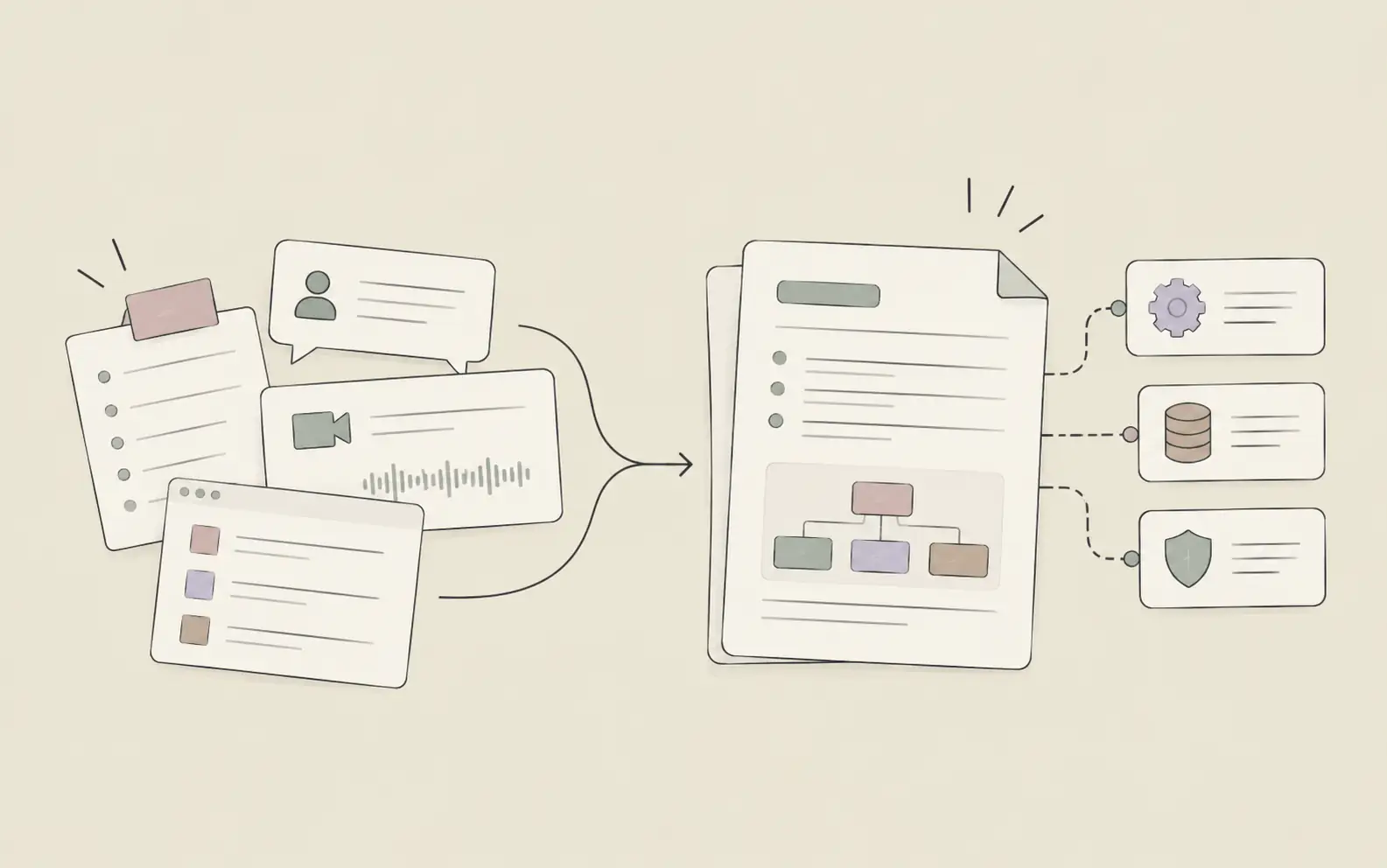
The average knowledge worker attends between 17 and 23 meetings per week. An AI meeting note taker changes the equation entirely — letting you be fully present while the AI captures details, extracts action items, and organizes everything into a format people will actually read and act on.
An AI meeting note taker changes this entirely. Instead of transcribing while trying to follow the discussion, you can be fully present in the conversation — and let the AI handle what it's actually better at: capturing details, extracting commitments, identifying gaps, and organizing everything into a format people will actually read and act on. AI note taking isn't just faster than doing it manually — it's structurally better, because the AI never gets distracted by a side conversation or loses track of what was said three agenda items ago.
In this guide, we'll walk through 5 steps that take you from raw transcript to structured notes, prioritized action items, and — if you want — completed follow-up tasks, without writing a single line manually.
What You'll Need
- A transcript or text record from your meeting (Zoom, Microsoft Teams, and Google Meet all generate transcripts automatically — enable the feature before your next call)
- A Noumi account with a Project set up for your meeting context
- Optionally: any reference documents relevant to the meeting — previous notes, project briefs, decision logs, or standing agenda items
How to Use AI for Meeting Notes: 5 Steps That Actually Work
Step 1: Set Up a Dedicated Project Before Your Meeting
The most common mistake when trying to use an AI meeting note taker is starting fresh every time — a new conversation, no prior context, no memory of what was decided last week. You end up spending the first few minutes re-explaining background that the AI should already know, and every set of notes lives in isolation from every other one.
The better approach is to create a persistent context home for your meeting series before you ever record anything. In Noumi, this means setting up a Project: a structured workspace that holds all relevant files, your past meeting notes, and the evolving context of the work you're doing. A Project isn't just a folder. It's a context layer the AI actively references whenever you start a new task inside it, so each meeting builds on the ones before it rather than starting from zero.
For a weekly product sync, your Project might hold the current roadmap, previous quarter's meeting summaries, and a list of standing decisions. When you upload this week's transcript, Noumi already knows what "the API migration" refers to, what was decided about the launch date in March, and which topics keep resurfacing without resolution — without you explaining any of it.
Try this with Noumi: Before your next recurring meeting, create a Project and upload 2–3 relevant reference documents: the current project brief, a recent meeting summary, and your standing agenda. Your AI now has the context it needs to generate notes that fit the larger story — not a generic summary that could belong to any meeting about anything.
Tip: Name your Topics clearly within the Project — for example, "Product Sync 2026-05-06" — so you can search across meeting histories by date or topic later.
Step 2: Upload Your Meeting Transcript
After your meeting ends, export the transcript from your meeting platform and upload it to the relevant Project in Noumi. Most major platforms make this straightforward — Zoom, Teams, and Google Meet all support automatic transcription. If your setup doesn't generate transcripts directly, a short manual cleanup of recorded notes works too. What matters is giving your AI a complete, readable record of what was said.
Once the transcript is in your workspace, Noumi reads it in context — not just as a standalone document, but in relation to everything else the Project holds. If the transcript mentions "the decision we made last month," Noumi can cross-reference your previous meeting notes and surface what that decision actually was. If a speaker references "the timeline Sarah shared," and that document exists in your workspace, Noumi can pull it in directly rather than treating the reference as a gap.
This is where the upfront investment in organizing your Project pays back. The more relevant files you have in one place, the more specific and accurate the notes you'll get. A transcript processed in context produces meaningfully better output than the same transcript dropped into an empty conversation.
Try this with Noumi: After uploading, start your task with a brief context description: "This is the transcript from our weekly product sync on May 6th. The Q2 roadmap and last week's notes are also in this Project. Please generate structured meeting notes."
Tip: If your team hasn't enabled transcription yet, suggest it at your next meeting. It takes under a minute to set up, and the downstream value — for notes, for search, for onboarding people who missed the call — compounds quickly.
Step 3: Generate Structured Meeting Notes
This is the step most people start with — and stop at. Ask for a summary, get two paragraphs back, and call it done. But a raw summary is rarely what makes meeting notes useful. What makes them useful is structure: who was in the room, what was discussed, what was actually decided, what's still open, and what's next.
When you ask Noumi to generate meeting notes, describe the structure you want. If anything is ambiguous, Noumi will ask clarifying questions before proceeding — this step prevents the common outcome where you get a generic format instead of something calibrated to your team's actual workflow. Different teams need different structures: an engineering sync might want decisions first, then open questions, then technical notes by topic; an executive briefing might want a three-line summary at the top, followed by escalations and decisions. Tell Noumi what format you use, and it will apply that format. Over time, it learns your preferences and applies them without you re-specifying each time.
The most important thing to include: a section for open questions and unresolved items. This is what most manual note-takers omit, and it's often where the most important work lives.
Try this with Noumi: "Generate meeting notes for this product sync. Use this structure: (1) Attendees, (2) Key Decisions, (3) Discussion Highlights by agenda item, (4) Open Questions, (5) Next Steps. Keep the tone professional but concise — these go to stakeholders who weren't in the room."
Example output:
Key Decisions
✅ Launch date confirmed for June 30
✅ Analytics dashboard descoped from v1; moved to v1.1 backlog
✅ Sarah to own customer communication; audience: enterprise tier onlyOpen Questions
⚠️ Pricing for add-on module not finalized — awaiting input from finance (no deadline set)
⚠️ Mobile requirements unclear: v1 must support iOS only, or both platforms?
Step 4: Extract and Prioritize Action Items
Meeting notes capture what happened. Action items drive what happens next. These two things often exist in the same document but serve different audiences — the notes are for reference, the action items are for accountability.
The problem with letting action items live inside meeting notes is that people skim. They read the summary, miss the "Marcus to follow up on vendor contracts by Friday" buried in paragraph four, and that task disappears. Extracting action items into a separate, clean list — with owners, deadlines, and priority signals — is the difference between meetings that create momentum and meetings that just add to the archive.
Ask Noumi to extract action items from the notes it just generated and flag the two most common failure modes: items with no owner and items with no deadline. These two gaps are responsible for the majority of dropped follow-through in knowledge work, and catching them immediately — while the meeting is still fresh — is far easier than chasing them down three days later.
Try this with Noumi: "Extract all action items from these meeting notes. Format as a table with: owner, task description, deadline, and priority (High / Medium / Low). Flag any item missing an owner or a deadline."
Example output:
| Owner | Task | Deadline | Priority | Flags | | --- | --- | --- | --- | --- | | Sarah | Finalize customer communication plan, enterprise tier | May 12 | High | — | | Marcus | Get vendor contract sign-off from legal | May 9 | High | — | | Dev team | Document mobile responsiveness requirements | TBD | Medium | ⚠️ No deadline | | — | Pricing decision for add-on module | — | High | ⚠️ No owner |
Tip: Send the action item table as a separate communication — not buried in the full notes. Most stakeholders only need to see what they're responsible for.
Step 5: Let Your AI Execute Follow-Up Tasks Directly (Optional)
This is where using AI for meeting notes stops being a documentation exercise and starts being an execution advantage. Many of the follow-up tasks that come out of a meeting aren't complicated — they just require time and focus that consistently doesn't materialize. Draft an email. Update a document. Pull together research for a decision that was deferred. Write a brief for another team. These are exactly the kinds of tasks that autonomous execution handles well.
In Noumi, you don't break these tasks down step-by-step. You describe the outcome you want — Noumi searches your workspace for relevant context, executes the work, and surfaces the result for your review. For product managers juggling multiple workstreams, this can mean action items getting completed the same afternoon instead of drifting into next week's backlog.
The key is knowing which tasks to delegate fully versus which need your judgment before anything goes anywhere. Internal drafts, research summaries, document updates, and prep work for other teams are good candidates. Anything customer-facing or decision-critical should be reviewed before it leaves your workspace.
Try this with Noumi: "Based on the action items from today's product sync:
1. Draft a follow-up email for Sarah's enterprise customer list. Tone: factual, brief, no jargon. Save as a draft for my review before sending.
2. Update the Q2 roadmap document to note that the analytics dashboard moved to v1.1.
3. Write a one-page brief for finance requesting input on add-on module pricing by May 10."Tip: After reviewing each completed task, give Noumi brief feedback on what to adjust. Over time, it learns your communication style, your document templates, and your standards — so drafts require less editing with each meeting cycle.
Pro Tips for Better AI Note Taking
Stop Taking Notes During the Meeting
The biggest workflow shift isn't what your AI meeting note taker does after the meeting — it's giving yourself permission to be present during it. Even a transcript you generate from rough voice memos is better input than fragmented manual notes taken while trying to follow the conversation.
Build a Standing Template Your AI Learns Over Time
If you want consistent structure across every meeting of the same type — and most teams do — describe it clearly the first few times. Noumi builds up your format preferences and applies them without re-specifying. This is particularly valuable for recurring meetings where stakeholders expect to find information in the same place every week.
Keep a Running Open Questions Log
Most meeting summaries either bury unresolved items or drop them entirely. Maintain a dedicated "Open Questions" file in your meeting Project and ask Noumi to append new unresolved issues after each session. Over a few months, you'll have a clear record of what's been pending for one week versus three — which is valuable both for follow-up and for understanding where decisions actually get stuck in your organization.
Search Across Meeting History Before Any Decision
One of the most common frustrations in knowledge work is re-litigating decisions that were already made. With a persistent meeting Project, you can ask "what did we decide about X in previous meetings?" and get a direct answer with the date and context. For journalists tracking ongoing investigations or product teams managing long-horizon strategy, this kind of searchable decision history makes meetings compound into organizational knowledge instead of evaporating after the call ends.
Separate the Note-Taker from the Facilitator
If you're running the meeting, you can't also be the best note-taker. Brief a teammate to upload the transcript immediately after — or set up transcription to run automatically — so you're never the bottleneck between the meeting ending and the notes going out.
Frequently Asked Questions
Getting Started
Start with your next recurring meeting. Before it happens, create a Project in Noumi and upload two or three reference documents — the project brief, last week's notes, the standing agenda. When the meeting ends, upload the transcript and ask for structured notes using the format your team actually uses. Send the action item table separately. That's the full workflow.
AI note taking isn't about automating your meetings — it's about automating the parts that get in the way of your actual work. Capturing, transcribing, organizing, formatting, and distributing notes are tasks where human time is poorly spent. What genuinely requires your presence — the thinking, the relationship dynamics, the strategic calls — that's where your focus belongs, both during the meeting and after it.
If you want an AI meeting note taker that remembers what was decided last month, understands your team's context, and can execute follow-up tasks without you managing each step, Try Noumi →