You've spent 20 minutes searching for that client brief you know you saved somewhere. You've got three folders named "Final," "Final_v2," and "Final_ACTUAL." You've downloaded the same research report twice because you couldn't find the first copy. Sound familiar?
Most people organize files once, then watch the system fall apart within weeks. New files pile up in Downloads. Project folders become dumping grounds. The folder structure that made sense in January is completely irrelevant by June. Manual file organization fails because it requires constant discipline, and most of us don't have time to file things properly when we're in the middle of actual work.
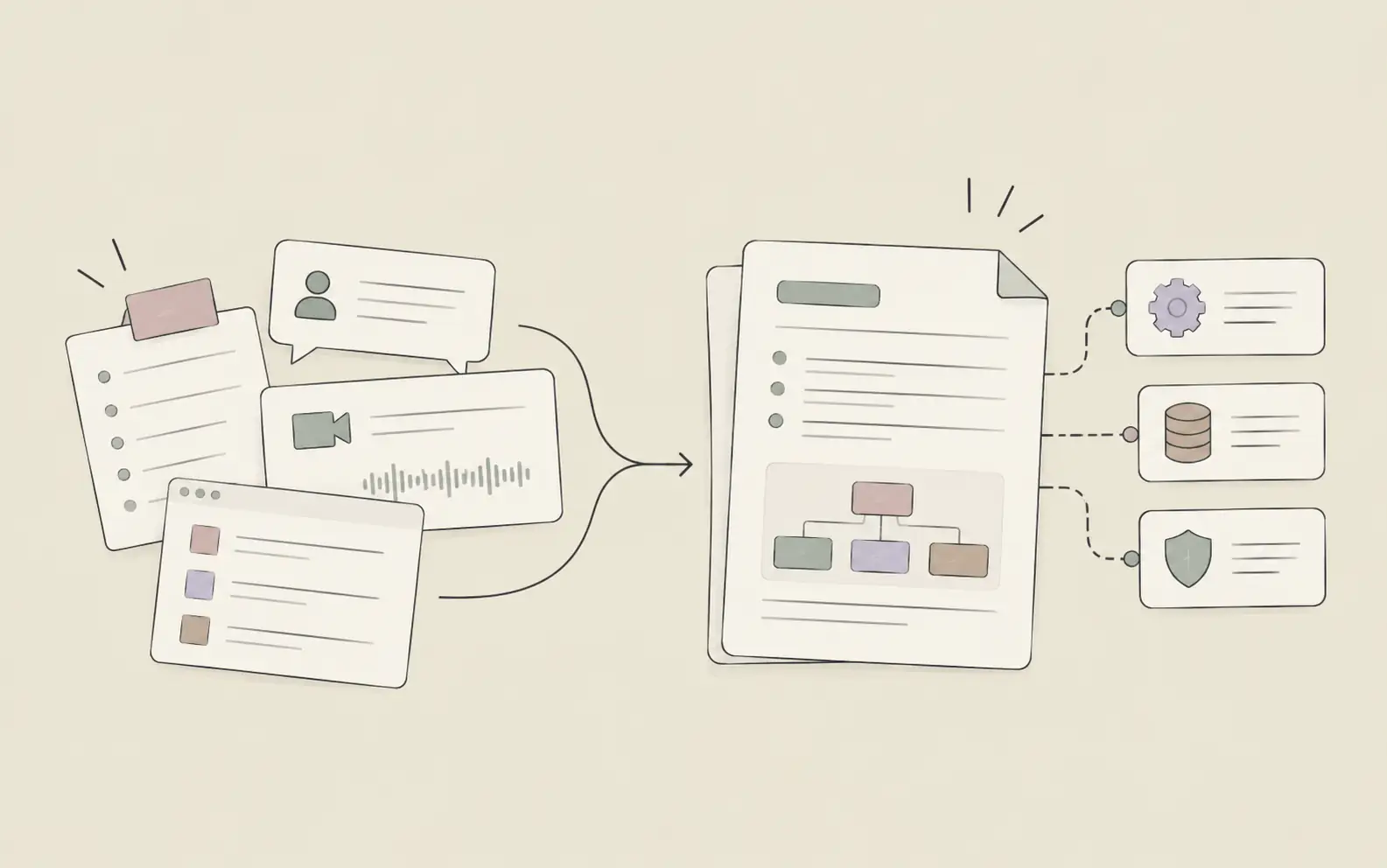
This guide walks through 5 steps for organizing files with AI that doesn't just sort things once — it remembers your structure, finds what you need instantly, and helps maintain organization over time without constant manual effort.
What You'll Need
- An AI assistant with persistent memory and file search capabilities (we'll use Noumi as the example)
- Your current project files, even if they're messy (the AI will help restructure them)
- A rough sense of how you want to categorize your work (by project, by type, by client, etc.)
How to Organize Files with AI: 5 Steps
Step 1: Define Your File Organization Logic Before You Start Moving Things
The biggest mistake people make with file organization is jumping straight to creating folders without thinking through the logic. You end up with a structure that works for today's files but breaks down as soon as you add something new.
Before you touch a single file, decide on your organizing principle. Are you organizing by project? By client? By content type? By date? There's no universal right answer — it depends on how you actually work. If you're managing multiple client projects, organize by client first, then by project. If you're a researcher working on one big topic with many subtopics, organize by theme. If you're a content creator producing different formats, organize by content type.
Once you've chosen your logic, explain it to your AI assistant. Don't just say "organize my files" — describe the structure you want and why it makes sense for your work. This gives the AI the context it needs to make smart decisions about where things belong.
Try this with Noumi:
"I'm working on three client projects right now: Acme Corp, Beta Inc, and Gamma LLC. For each client, I have contracts, meeting notes, deliverables, and research materials. I want a folder structure where I can quickly find everything related to a specific client, then drill down by document type. Can you suggest a structure and help me reorganize the files in my workspace?"
The AI will propose a structure based on your description. Review it, adjust if needed, then let the AI execute the reorganization. This is faster than manually dragging files around, and it ensures consistency.
Tip: If you're not sure what organizing logic makes sense, describe your work to the AI and ask for recommendations. It can analyze your current files and suggest structures based on patterns it sees.
Step 2: Let Your AI Assistant Analyze and Restructure Your Existing Files
Once you've defined the structure, don't manually sort hundreds of files. That's exactly the kind of repetitive work AI should handle. Give your AI assistant access to your current files and let it do the heavy lifting.
AI assistants with file search and autonomous execution can scan your existing files, understand what they are based on filenames and content, and move them into the structure you defined. If the AI isn't sure where something belongs, it will flag it for you to review rather than guessing.
This step transforms a weekend project into a 10-minute task. You're not clicking through folders and dragging files one by one. You're reviewing the AI's proposed changes and approving them in batches.
Try this with Noumi:
"Here's the folder structure we agreed on. Go through all the files currently in my workspace and move them into the right folders. If you're not sure where something belongs, create a 'Review' folder and flag those files for me to check manually."
The AI will execute the reorganization and give you a summary: "Moved 47 files into client folders, created 3 new subfolders for deliverables, flagged 5 files in 'Review' that need manual sorting."
Tip: If you have a massive backlog of unsorted files, start with the most recent 3 months. Older files can stay in an archive folder until you actually need them.
Step 3: Teach Your AI Assistant the Rules for Where New Files Should Go
File organization isn't a one-time project — it's an ongoing process. The real test is whether your system stays organized as you add new files. This is where most manual systems fail. You're busy, you save a file to Desktop, and suddenly your clean structure is broken.
AI assistants with learning capabilities can internalize your file organization rules and apply them automatically. When you create a new document or save a new file, the AI knows where it belongs based on the structure you've already established.
You don't need to write a 10-page manual. Just correct the AI when it gets something wrong, and frame your correction as a rule. "Client contracts always go in the Contracts subfolder, not the root client folder" teaches the AI a principle it will apply to every future contract.
Example of teaching file organization rules:
You: "I just saved a new proposal for Acme Corp. Where should it go?"
AI: "Based on your structure, it should go in Acme Corp > Deliverables. Should I move it there?"
You: "Actually, proposals are pre-sale documents, not deliverables. Create a 'Proposals' subfolder under each client and put it there. For future reference, anything labeled 'proposal' or 'pitch' goes in Proposals, not Deliverables."
AI: "Got it. I've moved the file and created the Proposals subfolder. I'll apply this rule to all client folders going forward."
Over time, your AI assistant learns the nuances of your file organization system and maintains it automatically. You're not constantly filing things manually — you're occasionally correcting edge cases.
Step 4: Use Natural Language to Find Files Instead of Browsing Folders
Even with perfect organization, browsing through folders to find a specific file is slow. You know the file exists, you know roughly what it's about, but you can't remember if you filed it under "Q2 Planning" or "Product Strategy" or "Roadmap Drafts."
AI assistants with intelligent file search let you find files by describing what you're looking for, not by remembering the exact folder path. You can search by content, by context, or by when you last worked on it. The AI understands your intent and surfaces the right file even if you don't remember its exact name.
This is especially powerful for knowledge workers who accumulate hundreds of files across multiple projects. Instead of maintaining a perfect mental map of your folder structure, you just ask for what you need.
Try these natural language searches with Noumi:
• "Find the contract we signed with Acme Corp last quarter"
• "Show me all the meeting notes from Beta Inc meetings in March"
• "Where's that research report about user retention I saved a few weeks ago?"
• "Pull up the latest version of the Gamma LLC proposal"
The AI searches across your entire workspace, understands the context of your request, and returns the relevant files. You're not clicking through folders or trying five different search terms. You're describing what you need in plain language.
Tip: If you frequently need to pull together files from multiple projects (like all Q2 reports or all client contracts), ask your AI to create a collection or view. It can maintain these automatically as you add new files.
Step 5: Let Your AI Assistant Maintain Organization Over Time
File organization degrades over time because priorities shift, projects evolve, and new types of work emerge. The folder structure that made sense six months ago might not fit your current work. Manual reorganization is painful, so most people just live with the mess.
AI assistants that remember your workspace structure can help you maintain and evolve your organization over time. When a project wraps up, the AI can archive its files. When a new project starts, the AI can create the folder structure based on past patterns. When your file organization logic changes, the AI can help restructure everything to match.
Project managers who work across multiple initiatives find this especially valuable. Their file organization needs change as projects launch, pause, or pivot. An AI assistant that understands the current structure can adapt it without requiring hours of manual reorganization.
Try this maintenance approach with Noumi:
"The Acme Corp project just wrapped up. Archive all the Acme files but keep them searchable in case we need to reference them later. Also, we just signed a new client, Delta Systems. Set up the same folder structure we use for other clients."
The AI handles the archiving and creates the new structure in seconds. You're not manually creating folders, copying templates, or moving files around. The AI maintains consistency across all your projects automatically.
Tip: Every quarter, ask your AI to review your file organization and suggest improvements. It can identify folders that haven't been touched in months, spot inconsistencies in naming conventions, and recommend consolidation opportunities.
Pro Tips for Better File Organization
Use consistent naming conventions, and let your AI enforce them
Decide on a standard format for file names (like "ClientName_DocumentType_Date") and teach your AI to flag files that don't follow the pattern. Consistency makes files easier to find and sort.
Don't over-organize
More folders doesn't mean better organization. If you're creating subfolders within subfolders within subfolders, you've gone too far. Aim for a structure that's 2-3 levels deep at most. Beyond that, rely on search instead of browsing.
Archive completed projects instead of deleting them
You never know when you'll need to reference old work. Create an Archive folder for completed projects, and let your AI move things there automatically when a project closes. Files stay searchable but don't clutter your active workspace.
Separate active work from reference materials
Keep files you're actively working on separate from background research, templates, and reference documents. This makes it easier to focus on current priorities without wading through old materials.
Let your AI handle version control
Instead of manually naming files "Final_v2_ACTUAL," let your AI track versions. Modern AI assistants can maintain version history and surface the most recent version when you search.
Frequently Asked Questions
Stop Wasting Time Looking for Files
The difference between manual file organization and AI-assisted organization comes down to memory and maintenance. Manual systems require constant discipline and degrade over time. AI-assisted systems learn your structure, apply it automatically, and evolve as your work changes.
If you're tired of searching for files, living with messy folders, or spending weekends reorganizing your workspace, try working with an AI assistant that actually remembers where everything belongs. Start with Noumi and see how much time you save when your files stay organized without constant manual effort.