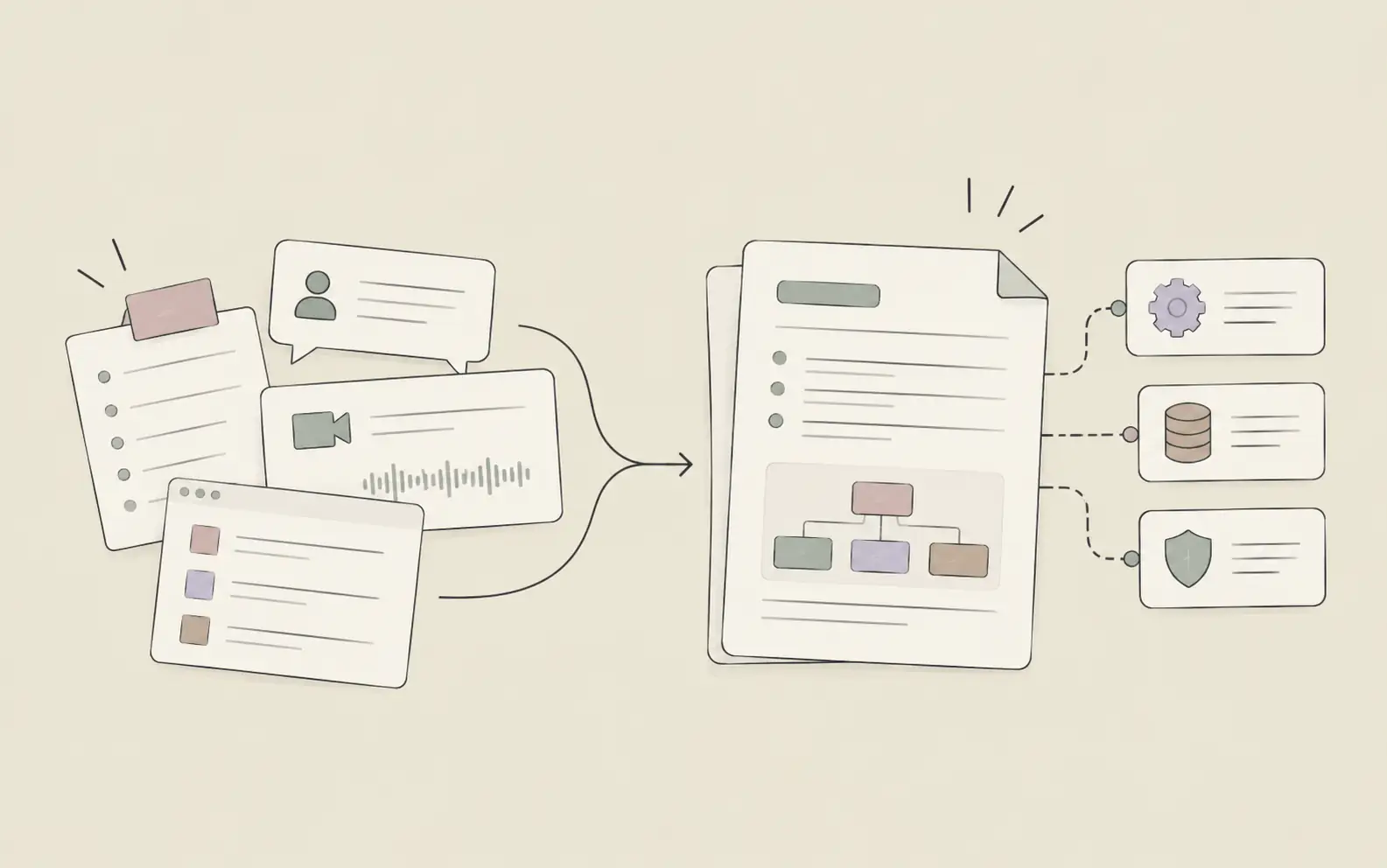
Most AI assistants are stateless — each conversation starts fresh, and your standards, templates, and preferences disappear with it. AI skills change that. A skill is a persistent working rule your assistant applies automatically every time you do that type of work. You define it once; every future output in that project reflects your standard without re-specifying it.
Before You Start
- A Noumi account with a Project set up for the work where you want the skill to apply
- An example of your standard: a template file, a past output you’re happy with, or a clear sentence describing the rule you want followed
How to Create AI Skills in Noumi: 3 Steps
Step 1: Teach Noumi Your Standard
The first step is showing Noumi what “correct” looks like for your type of work. There are two natural ways to do this, and you can use either or both depending on what you have available.
The first is to upload a reference file. If you have a template you already use — a report format, a brief structure, a style guide — upload it to your project workspace. Noumi reads the file and extracts the working rules from it, turning your existing document into a named skill it can apply to future tasks. This works particularly well when you have a polished example and don’t want to articulate the rules yourself.
The second is to describe the rule in conversation. During a normal work session, say what you always expect. Noumi recognizes phrases like “from now on,” “I always,” and “every time” as signals that a rule should be stored, not just applied once. For product managers building recurring deliverables — PRDs, roadmap updates, stakeholder summaries — this single step eliminates the re-briefing that happens before every document.
Try this with Noumi
“From now on, whenever you write a competitive brief in this project, use this structure: (1) one-paragraph company overview, (2) three core strengths as bullets, (3) key vulnerabilities — no more than two. This is the format our team uses for all competitor research.”
Tip: Be specific. “Always” and “every time” are stronger learning signals than “usually” or “try to.” The more precise the rule, the more precisely Noumi applies it.
Step 2: Confirm the Skill and Store It in Your Workspace
After you describe a standard or upload a reference, Noumi proposes saving it as a named skill in your project workspace. You confirm, and it gets written — searchable, editable, and permanent.
This is the step that makes AI skills fundamentally different from a one-time instruction. The skill doesn’t live in a conversation that will scroll out of reach. It lives in your workspace as a named rule — part of the working knowledge base Noumi builds for your project. Any time a task is relevant, Noumi searches the workspace, finds the skill, and applies it without you asking.
The stored skill captures more than just the format: it includes the intent behind the rule. If you described the audience, the tone, or the purpose when teaching the skill, that context is preserved too. A skill called “Enterprise Client Brief” will carry different conventions than a skill called “Internal Research Summary” — even if both involve similar document types.
Example output — Skill saved: “Client Report Structure”
- Format: Executive summary (3 sentences) → Key findings (bullets) → Recommendations (numbered)
- Tone: Professional, direct, no jargon
- Audience: External clients — no internal acronyms
- Applies to: Client-facing reports in this project
Tip: Name skills specifically — “Q2 Board Deck Style” is more useful than “Report Format.” A specific name makes it easier to review, edit, or remove skills when your standards evolve.
Step 3: Work Normally — Noumi Applies Your Skills Automatically
Once a skill is stored, you don’t have to think about it again. The next time you ask Noumi to produce something that falls within the skill’s domain, Noumi finds the relevant rule in your workspace and applies it. You describe the content and the purpose — Noumi handles the structure, the tone, and the format, according to your defined standard.
The output isn’t a generic default shaped by whatever conventions the system applies in the absence of instructions. It’s your output — your format, your voice, your standards — produced at full speed and without the overhead of re-briefing.
For solutions engineers building proposal templates and demo scripts, this means every new client-facing document starts from a proven structure rather than a blank page. Over time, as you build multiple skills in the same project, they layer: a skill for document structure works alongside a skill for terminology, which works alongside a skill for tone — and the combination produces outputs that feel genuinely consistent with how you work.
Try this with Noumi
After storing the skill, start a new Topic and simply say:
“Write a competitive brief on [Company]. Use our standard format.”
Noumi will locate the “Client Report Structure” skill, apply it to the new brief, and produce output that matches your defined standard — without any additional instructions.
Why Skills Compound Over Time
Creating one skill changes the output of one task type. Creating several changes the character of everything you produce with Noumi. Each skill is a standing agreement about how work gets done — and those agreements accumulate.
A team that has stored skills for competitive research, client briefs, internal status updates, and stakeholder presentations can produce any of those documents in a fraction of the time it takes to start from a blank page, with the confidence that the output will match the expected standard before anyone reviews it.
The Evolution Report inside your project makes this visible: it shows what Noumi has learned over time, which skills it has applied across which tasks, and where a rule might need updating because your standards have shifted. You can review, edit, or remove skills at any time — which means the knowledge base grows with you rather than becoming stale.
Pro Tips for Building Better AI Skills
Teach from an output you’re already proud of
The easiest way to create a skill is to take a document that was exactly right and upload it as a reference. Let Noumi infer the rules from something you already approved. This is faster than articulating rules from scratch and often produces more accurate skills.
Keep skills project-specific
Noumi stores skills at the project level, which means your client-facing writing style stays separated from your internal research conventions. Create separate projects for work with meaningfully different standards, and let each project’s skills reflect that context.
Revisit skills when your standards change
Skills are durable, but they’re not permanent. When you update your report template, update the corresponding skill. An outdated skill produces outdated outputs — editing it takes less than a minute and keeps the knowledge base current.
Layer skills for maximum consistency
Format is one dimension; terminology, tone, and audience are others. Building separate, focused skills for each dimension produces more reliable results than trying to pack all your standards into one complex rule.
Frequently Asked Questions
Start Teaching Noumi How You Work
Most of the time we spend managing AI outputs is time we spend compensating for the AI not knowing our standards. Skills eliminate that overhead — not by making AI smarter in the abstract, but by giving it a specific, persistent understanding of how your work is supposed to be done.
Three steps. One session. And from that point on, the next report, brief, or summary Noumi produces in that project will reflect your standard before you’ve said a word about format. Start building your first skill in Noumi — free for a month, no credit card required.