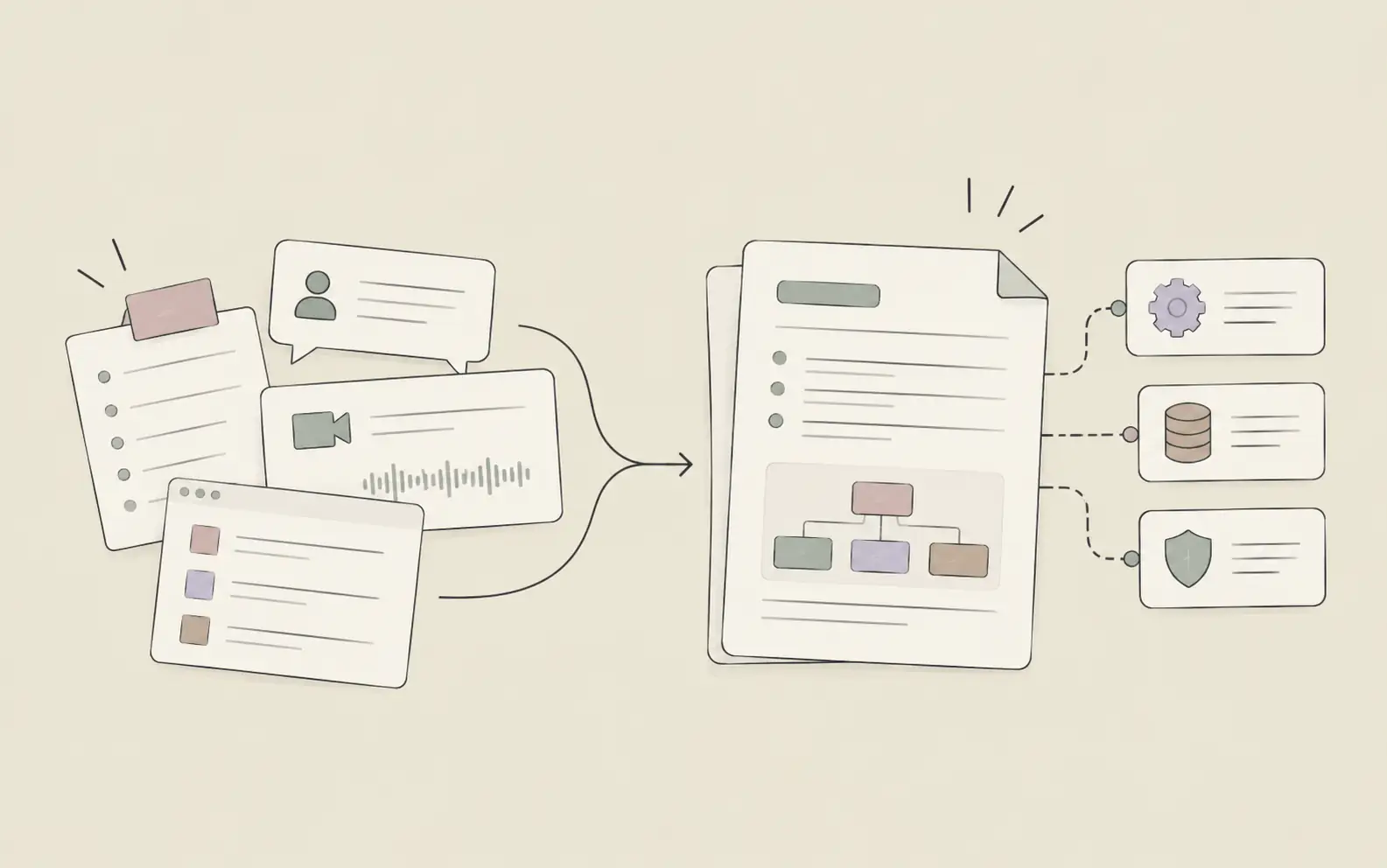
Most people don't need a longer to-do list. They need a better way to classify work, connect it to the right project context, and decide what matters next. This guide walks through 5 practical steps to build an AI task scheduler that helps you prioritize, plan, and move into execution.
What You'll Need
- A list of your current tasks, even if it's messy
- Your main project files, notes, or reference documents
- A Noumi account with at least one Project set up
- Optional: calendar access if you want task planning to reflect scheduled commitments
How to Build an AI Task Scheduler: 5 Steps That Actually Work
Step 1: Group Tasks by Project, Not Just by Deadline
Most task lists fail because they flatten everything into one stream. A document review for a client launch, a hiring follow-up, and a product feedback summary all end up side by side with no context. This makes it harder to judge importance accurately, because urgency isn't the only thing that matters. A task also depends on where it belongs, what files support it, what decisions led to it, and what other work is connected to it.
A better AI task scheduler starts by classifying tasks into the business context they belong to. In Noumi, that means organizing work inside Projects and Topics. A Project acts as the container for a work domain — a product launch, a hiring pipeline, a customer implementation, a research initiative — while Topics hold the specific task threads inside it.
Once tasks are grouped this way, prioritization gets easier because you're no longer comparing unrelated items in a vacuum. You're asking: what matters most within this project, and which project matters most right now?
Try this with Noumi: "Help me organize these tasks into the right Projects and Topics. I have product launch work, hiring follow-ups, customer support escalations, and content tasks mixed together in one list. Group them into separate workstreams before we prioritize anything."
Tip: If a task depends on a specific document, upload that document into the same Project before sorting priorities. Context improves prioritization quality.
Step 2: Turn a Messy Task Dump Into Clear Categories
Once your tasks are grouped by Project, the next step is to turn an unstructured list into meaningful categories. A good AI task scheduler should help you distinguish between deep work, administrative follow-ups, blocked tasks, waiting items, and work that can be delegated or deferred. Without categories, every task feels equally real and equally urgent.
Noumi is especially useful here because it can work across both conversation context and workspace files. If your notes, project briefs, meeting summaries, and past outputs already live inside the same Project, it can use that context to understand what a task really is.
This is also where lightweight systems can help. For workflows like project task tracking, sprint progress, customer follow-up lists, or recruiting pipelines, Noumi can help create a lightweight system shaped around that use case.
Try this with Noumi: "Review the tasks inside my Q2 launch Project and sort them into categories: high-focus work, quick admin, waiting on someone else, and follow-up items. If there's a better structure for tracking progress here, suggest one."
Example output:
- High-focus work: finalize pricing narrative, prepare launch FAQ, review customer messaging draft
- Quick admin: confirm review meeting time, send legal follow-up, update shared notes
- Waiting: security sign-off, finance approval, design handoff assets
- Follow-up items: check revised onboarding copy, confirm customer pilot timeline
Step 3: Ask Your AI Task Scheduler to Rank Priorities
Categorizing tasks makes the list cleaner. Prioritizing makes it useful.
This is where most people still work manually. They sort by due date, star three things, and hope that instinct is enough. But due dates alone don't capture real importance. Some tasks unlock multiple others. Some are small but urgent because someone else is blocked. Some look urgent only because they've been sitting in your inbox for too long.
Noumi can help with this by reviewing tasks in the context of the Project they belong to, the work already underway, and the dependencies implied by your files and conversations. Its Dashboard also provides a cross-project task view with Running, Pending, and Completed states.
Try this with Noumi: "Within my product launch Project, rank the top 7 tasks I should focus on this week. Prioritize based on deadline risk, how many downstream tasks depend on them, and whether another team is waiting on my output."
Example output:
1. Finalize pricing narrative — blocks sales deck and website update
2. Approve customer FAQ draft — needed before support team training
3. Review onboarding flow notes — tied to launch readiness review on Thursday
4. Follow up on legal language — external dependency, now time-sensitive
5. Confirm pilot customer timeline — affects rollout communications
Tip: Ask for a top 3, top 7, and "can wait until next week" split. That makes the list easier to act on than a raw ranking from 1 to 23.
Step 4: Tie Task Planning to Status and Time Signals
Prioritization only works if it changes over time. A task that mattered on Monday may stop mattering on Wednesday because another task moved, a review finished, or someone else missed a handoff. An effective AI task scheduler should help you revisit status continuously rather than making you rebuild the whole list every morning.
Noumi gives you two useful layers here. The first is task status visibility through the Dashboard: Running, Pending, and Completed across Projects. The second is system integration with calendars such as Google Calendar and Outlook Calendar.
The safest way to describe this is not as a magical auto-reminder engine, but as a task scheduling workflow that helps you stay on top of what needs attention. In practice, that functions a lot like reminder support — but grounded in the real work context instead of a generic alert.
Try this with Noumi: "Review my Running and Pending tasks across Projects, then help me decide what I should tackle today based on my meeting load and what has been sitting unresolved for too long. Flag anything I should follow up on before end of day."
Tip: Don't only review what is overdue. Also review what has stayed Pending for multiple days without progress. That's often where hidden blockers live.
Step 5: Let the Scheduler Turn Priority Into Action
A task scheduler is only valuable if it shortens the distance between "this matters" and "this is done." That's where many tools stop. They help you organize work, but they still leave execution entirely to you. The result is a beautifully sorted list that keeps growing.
Noumi can go a step further by helping execute the next layer of work once priorities are clear. If a top-priority task requires drafting a follow-up email, preparing a summary, updating a document, or compiling notes from across your workspace, you can ask Noumi to do that work directly inside the same Project.
This is especially useful for recurring project operations where the task pattern repeats: weekly status updates, sprint summaries, customer follow-ups, stakeholder briefs, hiring pipeline reviews, and similar work.
Try this with Noumi: "Take the top 3 tasks from today's priority list and help me move them forward. Draft the customer follow-up email, summarize the launch risks from the existing notes, and prepare a first draft of the stakeholder update using the files already in this Project."
Tip: The biggest win comes from handing off the first draft and coordination work. That preserves your attention for decisions, not setup.
Best Practices for Using an AI Task Scheduler Well
Don't mix every life area into one list
Work tasks, long-term planning, and one-off reminders don't all need the same structure. Use separate Projects or systems for separate streams of responsibility. Clarity beats comprehensiveness.
Review priorities in context, not in isolation
A top task in one project may still be lower priority than a medium task in another. Cross-project visibility matters more than perfect ranking inside a single list.
Treat Pending tasks as a signal, not a parking lot
If something sits in Pending status for too long, either it isn't actually important or it lacks a clear next step. Ask your AI task scheduler to identify which is true.
Keep task-related files close to the tasks themselves
The more your scheduler has to rely on memory alone, the weaker its recommendations become. A task tied to the right workspace files is easier to classify, prioritize, and act on.
Use lightweight systems when the workflow repeats
If you're tracking sprint items, client follow-ups, or recruiting stages repeatedly, a structured mini-system is usually better than a plain list.
Frequently Asked Questions
Getting Started With an AI Task Scheduler
A useful task system doesn't just help you remember what exists. It helps you decide what matters, understand why it matters, and move it forward without scattering your attention across ten tools. That's what most people are actually looking for when they search for an AI task scheduler.
If your current setup is a mix of notes, reminders, and half-updated task lists, start small: one Project, one active workstream, one round of categorization, and one priority review. From there, let the system grow around the way you actually work.
If you want a task scheduler that can classify work by Project, surface priorities in context, and help you move from planning into execution, try Noumi and build your first task workflow around real work instead of another empty productivity template.