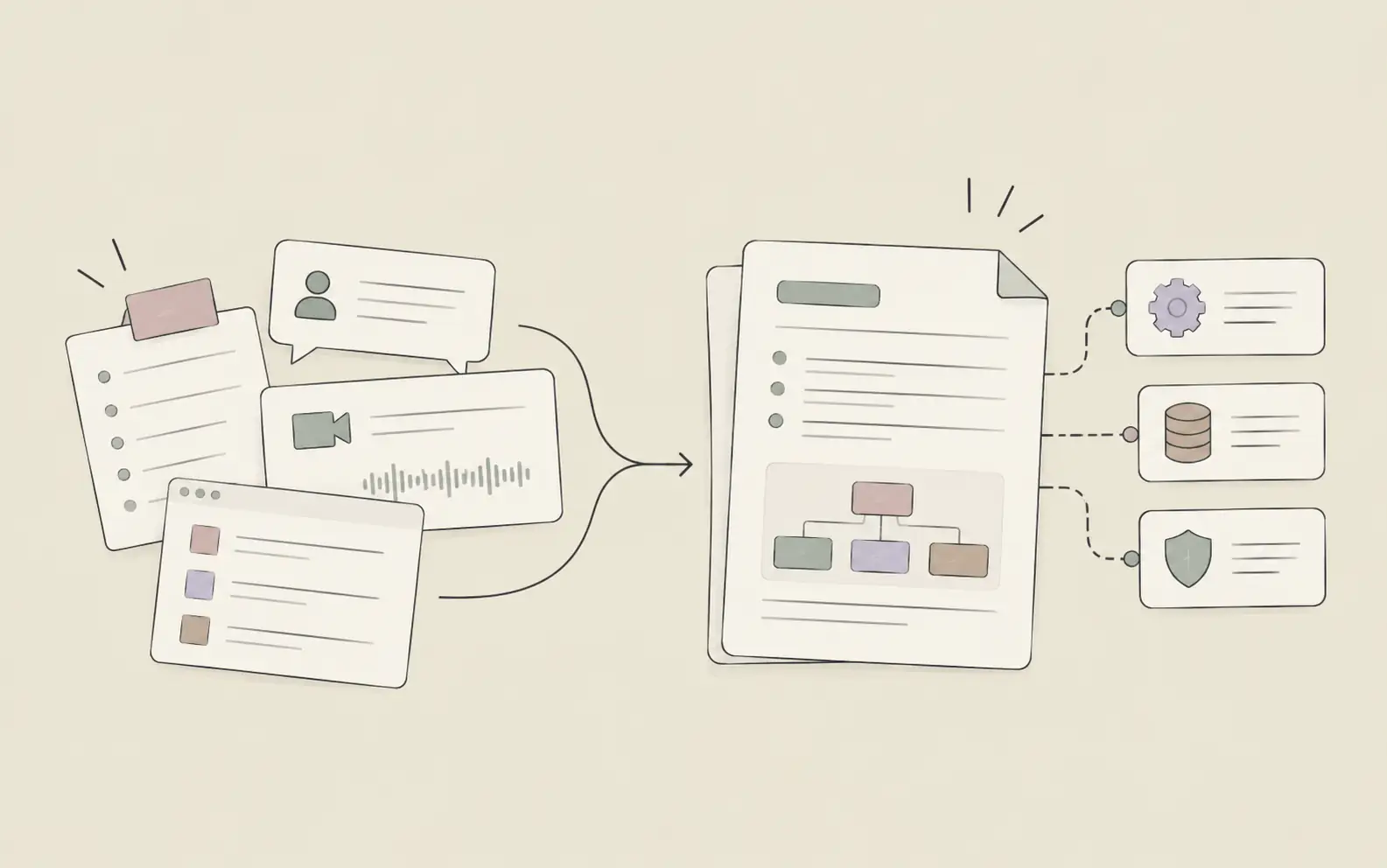
Most project management software solves the same problem: making it easier to see who owns what and when it’s due. That’s useful. But the teams with the heaviest workloads rarely have a visibility problem — they have an execution problem. Tasks are tracked. Context isn’t. Decisions made three weeks ago disappear. These eight tools approach the problem in meaningfully different ways — from traditional task boards to AI-first platforms that execute work alongside you.
The key distinction: Most project management tools track what needs to be done and who owns it. A newer category — AI-first execution tools — can take that task directly: researching, drafting, and delivering outputs without step-by-step supervision. Understanding where each tool falls on that spectrum is what this list is about.
1. Asana — Best for Team Workflows & Automation
Asana is one of the most widely adopted platforms for structured team collaboration. Its strength is workflow automation — teams can define rules that automatically reassign tasks, trigger notifications, and update statuses based on conditions, removing the manual overhead that causes projects to drift.
The portfolio view gives managers a cross-project window into progress: how many tasks are on track, which deadlines are at risk, and where resources are concentrated. For teams running repeatable processes — product launches, onboarding sequences, marketing campaigns — Asana’s combination of templates, automation, and reporting provides consistent structure without requiring constant manual coordination.
Key Features
- Timeline and Gantt views for project scheduling
- Unlimited automations for workflow management
- Reporting dashboards with project and portfolio-level progress tracking
- Portfolio view for managing multiple projects from one screen
- Custom fields and templates for repeatable processes
- 100+ integrations with popular work apps
Pricing
- Personal: Free (up to 2 users)
- Starter: $10.99/user/month (billed annually) — timeline, automations, reporting dashboards
- Advanced: $24.99/user/month (billed annually) — portfolios, advanced analytics, workload management
Best For
- Growing teams running structured, repeatable workflows
- Marketing, operations, and project management teams that need strong reporting
- Organizations where cross-team visibility and deadline tracking are the primary needs
2. Monday.com — Best for Visual Project Tracking
Monday.com built its reputation on flexibility and visual clarity. Its board-based layout adapts to whichever format fits the team — table, kanban, timeline, or calendar — and teams can switch between views without losing any data or structure.
The platform works well for teams that mix internal project tracking with client-facing deliverables. Guest access, customizable column types, and granular permission controls make it easy to adapt one workspace for different stakeholder audiences — internal team, external client, and leadership review — without building separate tools for each.
Key Features
- Multiple board views: table, kanban, timeline, calendar, Gantt
- Automation rules and cross-board integration capabilities
- Guest access for external collaborators
- Portfolio management (Enterprise plan)
- 200+ templates across business functions
- Workload and resource management views
Pricing
- Free: Up to 2 seats (3 boards)
- Basic: $9/seat/month (billed annually) — unlimited items, unlimited viewers
- Standard: $12/seat/month (billed annually) — automations, integrations, guest access
- Pro: $19/seat/month (billed annually) — private boards, advanced views, time tracking
- Enterprise: Custom — portfolio management, advanced security, multi-level permissions
Best For
- Teams that need a highly visual, configurable workspace
- Cross-functional projects with both internal and external stakeholders
- Operations and client-services teams managing varied project types simultaneously
3. Noumi — Best for Multi-Project Management & Autonomous Task Execution
Noumi is an AI assistant built for knowledge workers managing several parallel projects at once. Instead of logging tasks and waiting for someone to act on them, you describe what you need done, and Noumi executes the work — drawing on the files, context, and decisions already stored in your workspace. It also keeps up with how a project changes over time: as tasks get completed, decisions get made, and priorities shift, its memory updates automatically, so it doesn’t need to be re-briefed on context that’s already changed.
Each project gets its own dedicated environment with multiple simultaneous threads, and a cross-project dashboard shows the status of every running task — organized into Running, Pending, and Completed — across all active projects. That matters because most tracking tools tell you what’s overdue without doing the overdue work; according to PMI’s 2025 Pulse of the Profession report, project managers spend more than half their time on administrative coordination rather than the work that actually moves a project forward. For teams wondering what that shift looks like day to day, a step-by-step walkthrough of using AI in project management covers how to brief an AI assistant on project context, hand off a task, and review the output before it goes out the door.
Key Features
- Cross-project dashboard with Running / Pending / Completed task visibility
- Persistent memory that automatically updates as project context evolves — no manual re-briefing needed
- Autonomous multi-step task execution without constant supervision
- Multiple active threads per project, each with full conversation history
- Lightweight Systems: AI-native mini-apps for structured tracking created in natural language
- Integrations with Slack, Google Drive, Gmail, Outlook, Google Calendar, OneDrive, Dropbox, and Notion
Pricing
- Starter: $20/month (free for 1 month) — persistent memory, 1 Light System, Claude Sonnet model
- Pro: $100/month — self-evolving skills, agentic task execution, 5 Light Systems, unlimited conversation history
- Team: Custom pricing — shared workspace, team memory, admin controls
Best For
- Knowledge workers running multiple projects simultaneously
- Product managers and team leads who need context to carry across weeks and sessions
- Teams that want their project management tool to complete work, not just track it
4. Jira — Best for Software Development Teams
Jira is the industry standard for software development tracking. Its backlog management, sprint planning, and issue tracking capabilities are built around agile development workflows — which makes it the default choice for engineering teams that need precise tracking of bugs, features, and releases across multiple development cycles.
Jira’s depth sets it apart from general-purpose tools. It handles complex cross-project dependencies, detailed velocity and burndown reporting, and release management at a level that broader platforms don’t match. For non-technical teams, that depth can feel like friction. For development teams, it’s exactly what structured product delivery requires.
Key Features
- Backlog management and sprint planning built for agile teams
- Customizable workflows for development, QA, and release processes
- Cross-project dependency tracking (Premium and above)
- Detailed reporting: velocity charts, burndown charts, cycle time
- Roadmap and release management tools
- 3,000+ integrations in the Atlassian Marketplace
Pricing
- Free: Up to 10 users, core project features
- Standard: $7.91/user/month (billed annually) — roles, permissions, external collaboration
- Premium: $14.54/user/month (billed annually) — cross-project planning, unlimited storage, 24/7 support
- Enterprise: Custom — multiple sites, advanced security, unlimited automations
Best For
- Software engineering and product development teams
- Organizations running agile sprints with detailed release tracking
- Development teams embedded in the broader Atlassian ecosystem (Confluence, Bitbucket)
5. ClickUp — Best All-in-One Productivity Platform
ClickUp positions itself as a replacement for multiple separate productivity tools. It combines tasks, documents, goals, time tracking, whiteboards, and chat in one platform — which reduces the context-switching that happens when a team’s work is spread across several disconnected apps.
For teams that have accumulated too many point solutions, ClickUp’s consolidation is its primary value proposition. The trade-off is a learning curve steeper than simpler alternatives. The feature density that makes ClickUp powerful also means that getting a team fully set up requires meaningful upfront investment.
Key Features
- Tasks, docs, goals, time tracking, and whiteboards in a single platform
- Multiple views: list, board, Gantt, timeline, calendar, mind map
- Sprint management and portfolio workload views
- Unlimited storage and integrations (paid plans)
- Goals with measurable targets and progress rollups
- Resource management and team workload visualization
Pricing
- Free Forever: Core features, 60MB storage
- Unlimited: $7/user/month (billed yearly) — unlimited storage, integrations, goals
- Business: $12/user/month (billed yearly) — advanced dashboards, automation integrations, mind mapping
- Enterprise: Custom — enterprise permissions, SAML SSO, custom branding
Best For
- Teams looking to consolidate multiple tools into one workspace
- Mid-size organizations that need task management, documentation, and goals in the same platform
- Teams comfortable investing in setup time for long-term workflow consistency
6. Linear — Best for Engineering Teams Building Products
Linear was designed for engineering and product teams that move fast and want their tooling to move with them. Its interface is intentionally minimal — keyboard-first navigation, instant search, and clean issue tracking without the configuration overhead of heavier platforms.
Cycle management is where Linear’s product focus shows: teams can track which issues belong to a sprint, how completion rates trend across cycles, and where velocity is changing over time. It’s not a general-purpose tool, and it doesn’t try to be. It’s built specifically for technical teams that find heavier platforms too complex and simpler tools insufficiently precise.
Key Features
- Fast, keyboard-first interface designed for developers and product teams
- Issue tracking with cycles, sprints, and roadmap views
- Triage Intelligence for automatic issue prioritization (Business plan)
- Linear Agent automations for workflow automation (Business plan, beta)
- Progress reports and team performance insights
- Integrations with GitHub, GitLab, Slack, Notion, Zendesk, and Intercom
Pricing
- Free: Unlimited members, 2 teams, 250 issues
- Basic: $10/user/month (billed annually) — unlimited issues, 5 teams
- Business: $16/user/month (billed annually) — unlimited teams, Triage Intelligence, Agent automations
- Enterprise: Custom — SAML/SCIM, advanced security, dedicated support
Best For
- Engineering and product teams building software products
- Development teams that want fast, opinionated tooling without heavy configuration
- Technical teams already using GitHub or GitLab that want tight, bidirectional integration
7. Basecamp — Best for Simple, Flat-Priced Team Projects
Basecamp takes a deliberately different approach: fewer features, simpler structure, and a flat pricing model that doesn’t penalize teams as they grow. Instead of tasks, boards, timelines, and automations, Basecamp gives teams message boards, to-do lists, group chat, shared file storage, and a schedule — then gets out of the way.
Its Pro Unlimited plan charges a flat $299/month for unlimited users and unlimited projects, which makes it unusually cost-effective for larger organizations. Teams that want to reduce tool sprawl and avoid a week-long onboarding process will find Basecamp’s simplicity to be a feature rather than a limitation.
Key Features
- Message boards, to-dos, campfire chat, docs, and schedule in one interface
- Automatic check-ins for regular team status updates
- Card Tables for kanban-style process tracking
- Calendar sync with Google Calendar, Apple Calendar, and Outlook
- Client access included at no extra cost
- No per-user fees on the Pro Unlimited plan
Pricing
- Free: 1 project, up to 20 users, 1 GB storage
- Plus: $15/user/month — unlimited projects, 500 GB storage, 24/7 support
- Pro Unlimited: $299/month (billed annually) or $349/month — unlimited users, unlimited projects, 5 TB storage
Best For
- Teams that want simple, opinionated tools without setup complexity
- Growing organizations where per-user pricing becomes expensive at scale
- Client-services teams that frequently collaborate with external stakeholders
8. Notion — Best for Documentation-Driven Project Management
Notion blurs the line between knowledge base and project tracker. Teams use it to combine meeting notes, wikis, task databases, and project dashboards in a single workspace — which works well when documentation and project work are tightly intertwined.
Its database features let teams build custom views: filter and sort tasks by property, link tasks to related documents, and build lightweight CRM or roadmap systems without a dedicated tool. Notion’s flexibility is its key differentiator, though it comes with a setup cost — the tool doesn’t impose workflow, so teams need to design their own structure before it becomes useful.
Key Features
- Pages and databases combined in a single workspace
- Multiple database views: table, board, calendar, timeline, gallery
- Relations and rollups to connect data across databases
- AI writing, summarization, and Q&A features
- Team wikis and documentation alongside task management
- 1,000+ community-built templates
Pricing
- Free: Unlimited pages and blocks (up to 10 guests)
- Plus: $10/member/month (billed annually) — unlimited file uploads, 30-day page history
- Business: $20/member/month (billed annually) — private teamspaces, advanced analytics
- Enterprise: Custom — SAML SSO, advanced security, dedicated success manager
Best For
- Teams where documentation and project management overlap significantly
- Knowledge-intensive roles: researchers, content teams, product strategists
- Organizations building their own internal tools, wikis, and custom databases
Common Misconceptions About Project Management Software
More features means better project management. The tools with the largest feature sets often have the steepest learning curves and the lowest adoption rates. A simpler tool that everyone uses consistently outperforms a complex one that teams partially adopt. Match feature depth to actual team needs, not aspirational workflows.
One tool fits all team types. A platform built around agile development sprints creates friction for a marketing team juggling approval cycles and campaign calendars rather than code releases — which is why marketing teams tend to gravitate toward a different set of project management tools than engineering teams do. A kanban-first tool may feel under-powered for an engineering team tracking releases. Tool selection should follow team function, not brand recognition.
AI-powered project management means automated task creation. Most tools that advertise AI generate status summaries or suggest task titles. Autonomous execution — where the tool completes actual work rather than just organizing it — is a substantially different capability. Understanding what AI can actually do in a project workflow matters when deciding whether you need a tracking system or an execution layer.
Project context lives in the tool. Most platforms store tasks and statuses, not reasoning. Why a decision was made, what was considered and rejected, what the previous owner committed to — that context usually lives in someone’s email or memory. This gets at what project management software is actually meant to do: the goal was never a perfect archive of past decisions, but a live, shared picture of where things stand — and tools with searchable memory across sessions solve that problem more completely than tools that only track assignments.
Frequently Asked Questions
Finding the Right Fit
The best project management software is the one your team will actually use, consistently, six months from now. That’s a function of fit — between the tool’s design and how your team thinks about work — more than it is a function of feature count or brand recognition.
If your team runs structured repeatable processes, Asana or Monday.com will serve you well. If you’re building software products, Jira or Linear are purpose-built for your workflow. If you want one tool for everything, ClickUp or Basecamp can cover the breadth. And if the problem isn’t tracking but execution — if your team is managing multiple projects with context that needs to carry across weeks and sessions — try Noumi free for a month and see what changes when your project management tool can finish what it tracks.
Getting Started
Start by identifying where your team actually loses time: is it tracking ownership and deadlines, or is it the gap between a task being assigned and work actually getting done? The answer usually points directly to the type of tool that will help most.
For most teams, any tool on this list is better than juggling spreadsheets, inboxes, and chat threads. The gains compound quickly once the whole team is working from the same system — fewer missed handoffs, faster onboarding, cleaner context for decisions made weeks ago.
If your team manages knowledge-intensive projects where context and execution matter as much as task lists, start with a free month and see how much changes when your assistant can finish what it tracks. Try Noumi →